A world for learning
Your learning world
A classroom, a personal pathway, and room to make it your own.
Northstar Learning / Python Lab
Hey, Jordan.
Your next idea is waiting.
THE LEARNING PATH
One idea leads to another.
Start with a question
Observe · describe · reflect
Decisions & loops
A helpful study planner · revision submitted
What this part of Arc does
- A real theme system across five environments
- Visible lesson and task progress
- Direct routes to feedback, reflections and resources
This is a browsable portfolio interpretation of Arc’s workflows with fictional examples. Navigation, filtering and theme previews work here; editing, execution and platform services belong to the original application.
Inside the original application.
Real Arc screens and recordings, captured locally with fictional people and work.
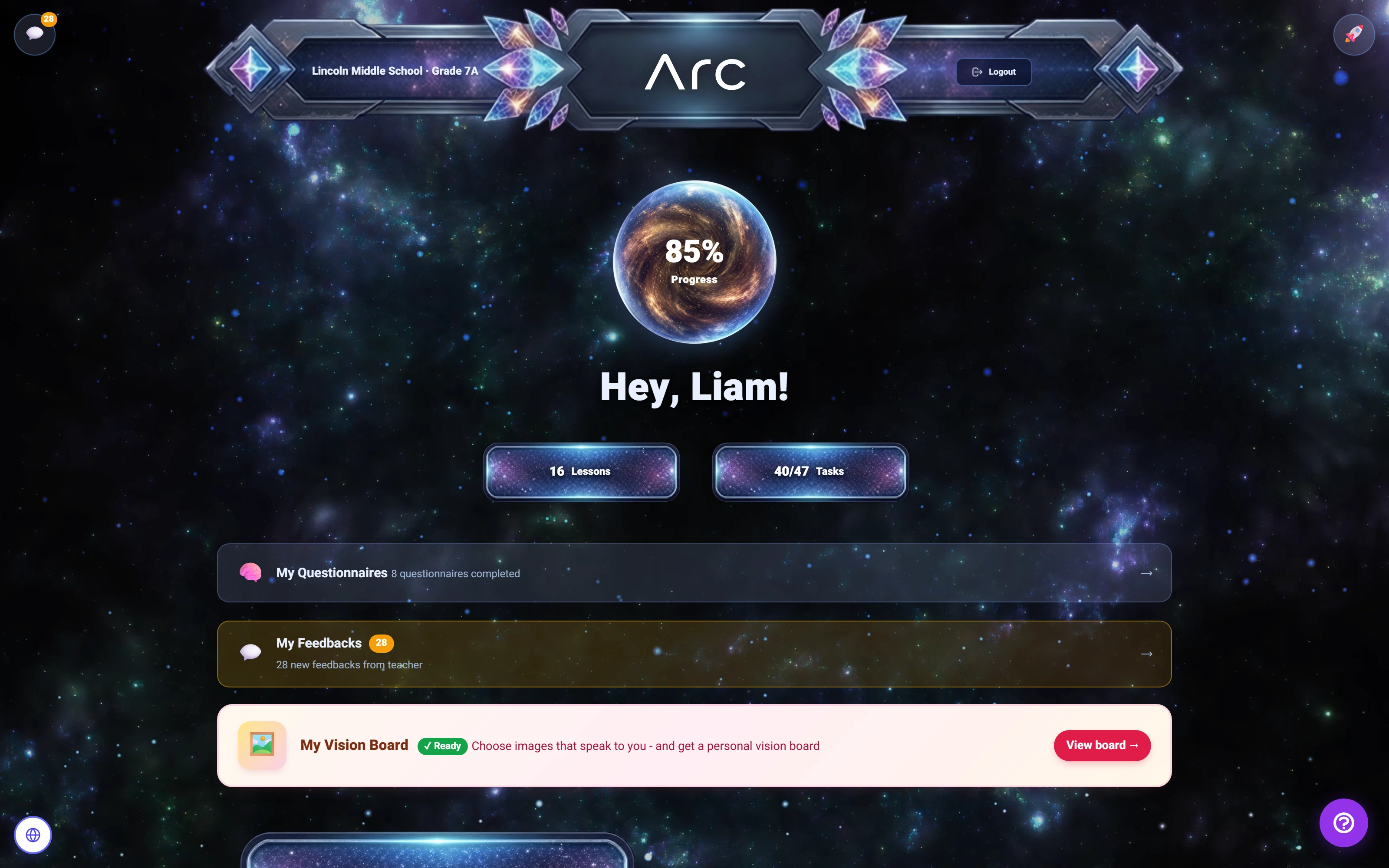
A learning world in Space
The same student pathway, with a space-themed environment and a visible progress summary.
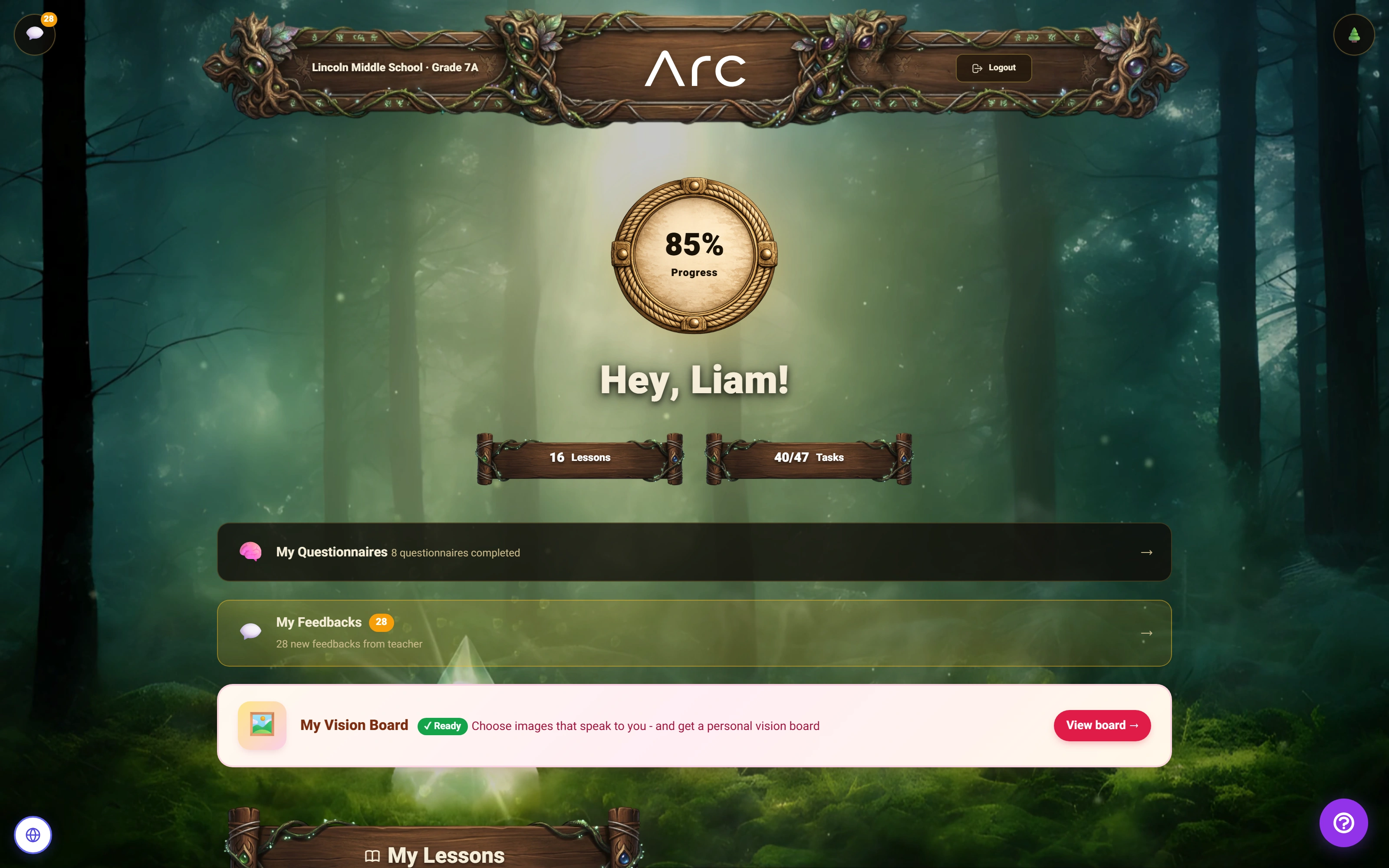
A different world for the same learner
Magic Forest changes the surrounding environment, navigation and progress treatment.
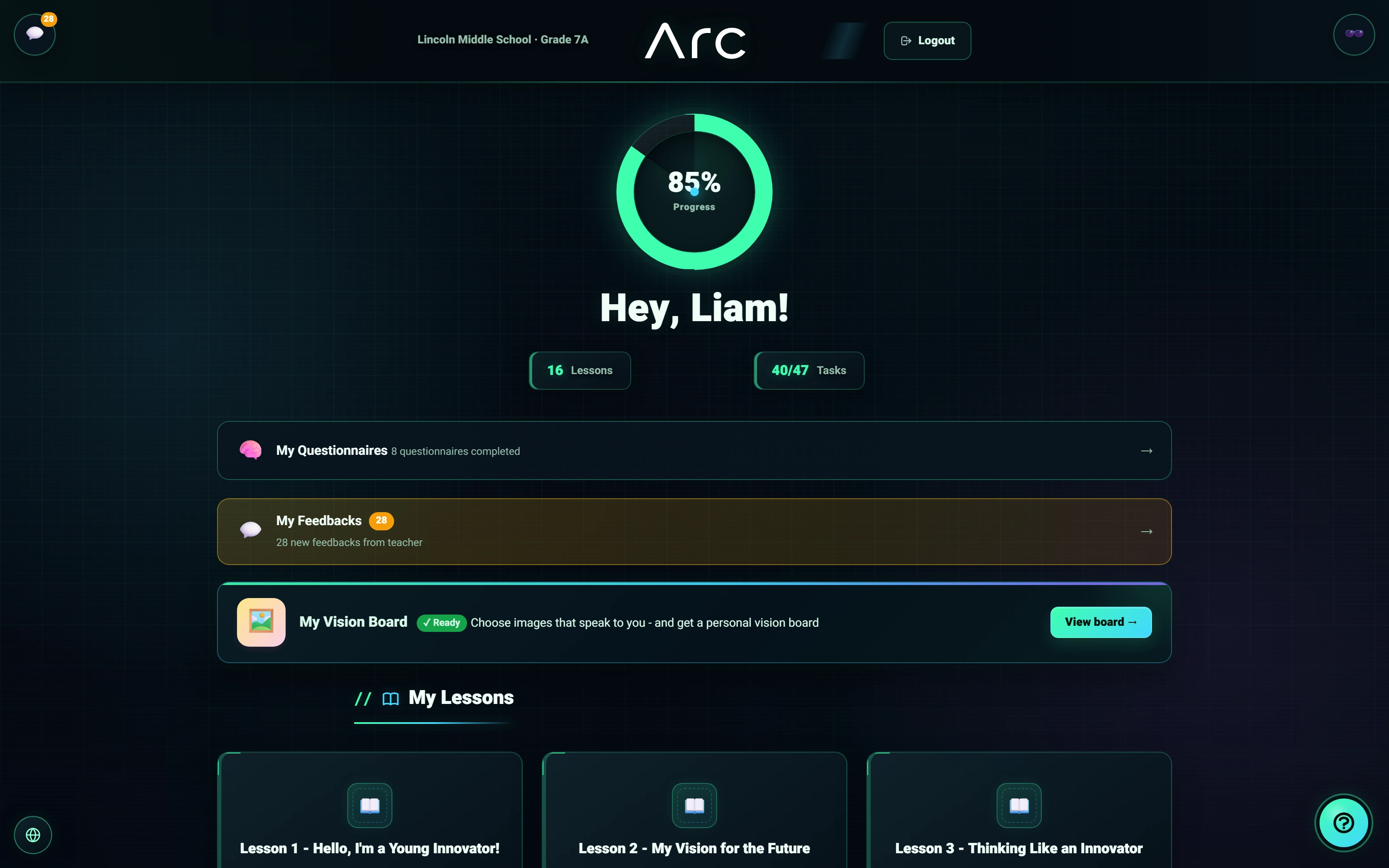
A technical style students can choose
Neon Hacker is a persisted theme choice within the real student workspace.
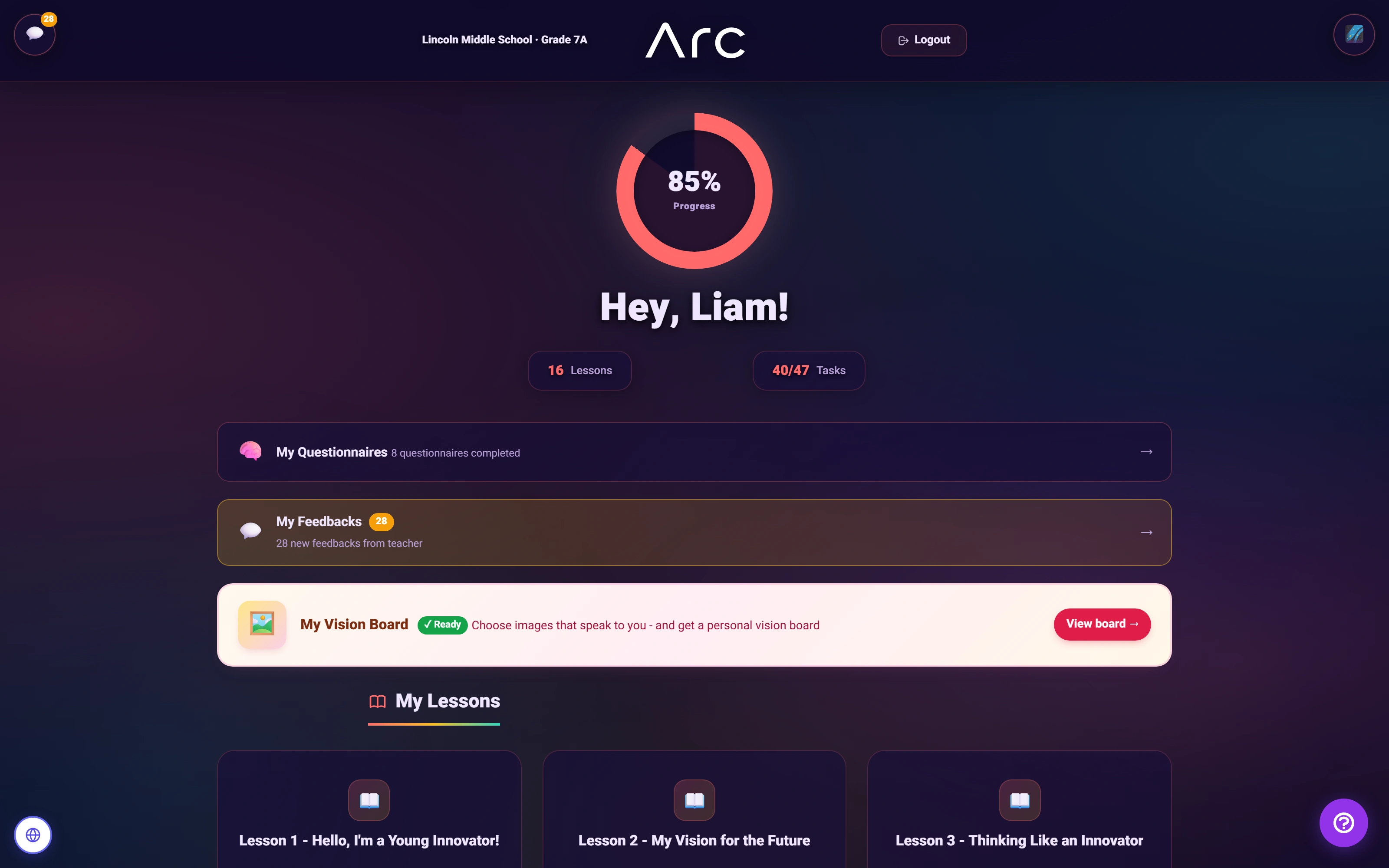
The Aurora learning workspace
The default theme keeps lessons, student progress and reflection together.
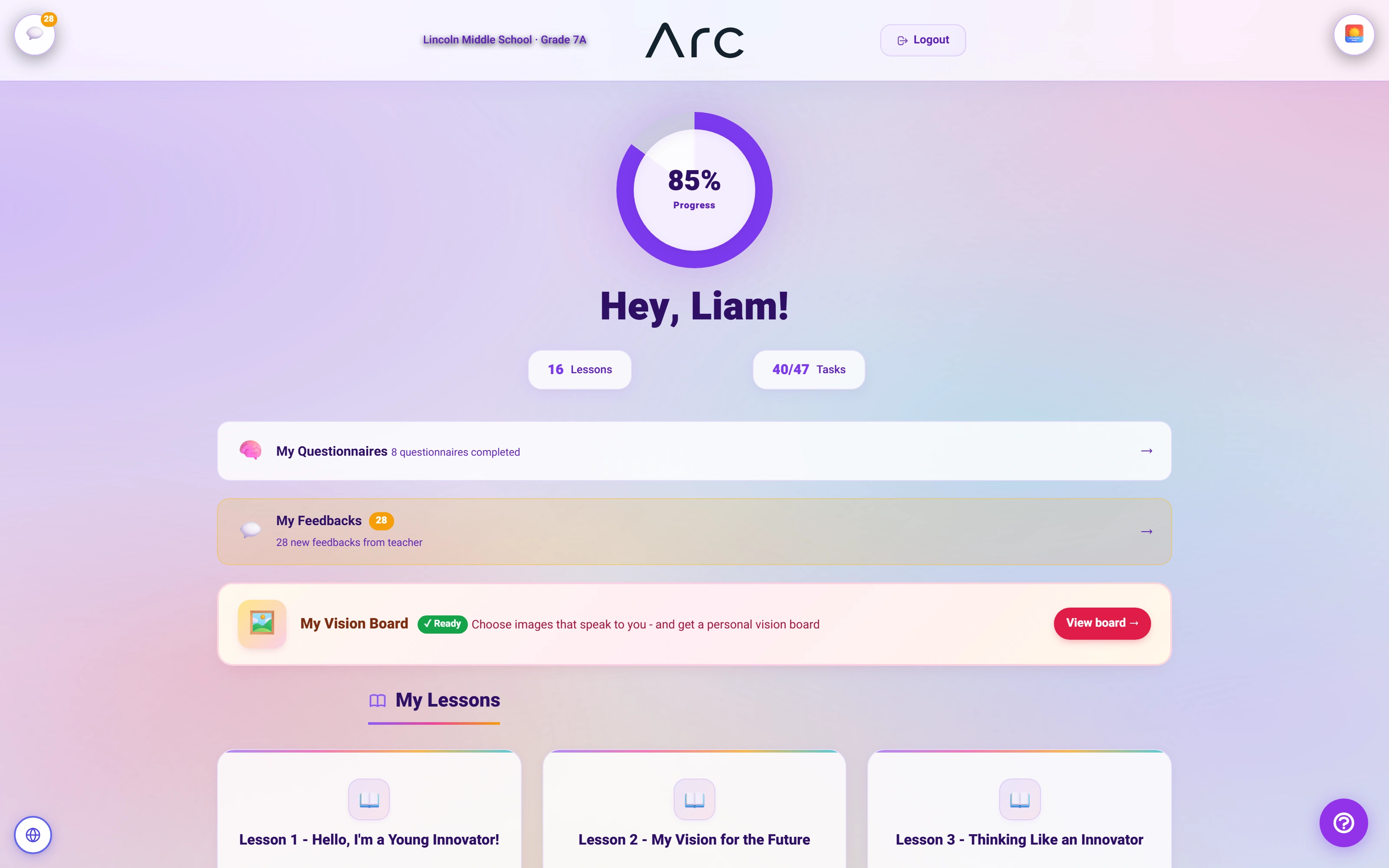
A lighter way into the lesson
Aurora Light offers another complete student theme.
Watch this workflow in Arc
A world to learn in.
Three student themes lead into a matching activity, from visible connections to a submitted result.
Read the walkthrough
- Choose a learning world
Space, Magic Forest and Neon Hacker are real, persisted student preferences.
- Solve a visual activity
The student completes the remaining three pairs using the native matching controls.
- Submit the result
Arc accepts the matching submission and displays its submitted state. The stored score was checked separately.
- Review a saved version
The native locked-version view displays the six stored pairs.
Source references & review notes
resources/views/student/dashboard/index.blade.phpapp/Platform/Portals/Student/ViewModels/StudentDashboardViewModel.php
Source reviewed at development revision 5549bf96. Original captures have their own pinned revisions; the live platform has a separate release.