A world for learning
Quiz Battle
A fast question, an immediate learning moment.
THE EXAMPLE CHALLENGE
Choose the safest result when a sensor value is missing.
What should the final block be in a 60-minute study plan?
Question timer with one/multiple correct answer modes
Student answer feedback, score and class leaderboard
Teacher closes questions, advances and ends the session
What this part of Arc does
- Question timer with one/multiple correct answer modes
- Student answer feedback, score and class leaderboard
- Teacher closes questions, advances and ends the session
This is a browsable portfolio interpretation of Arc’s workflows with fictional examples. Navigation, filtering and theme previews work here; editing, execution and platform services belong to the original application.
Inside the original application.
Real Arc screens and recordings, captured locally with fictional people and work.
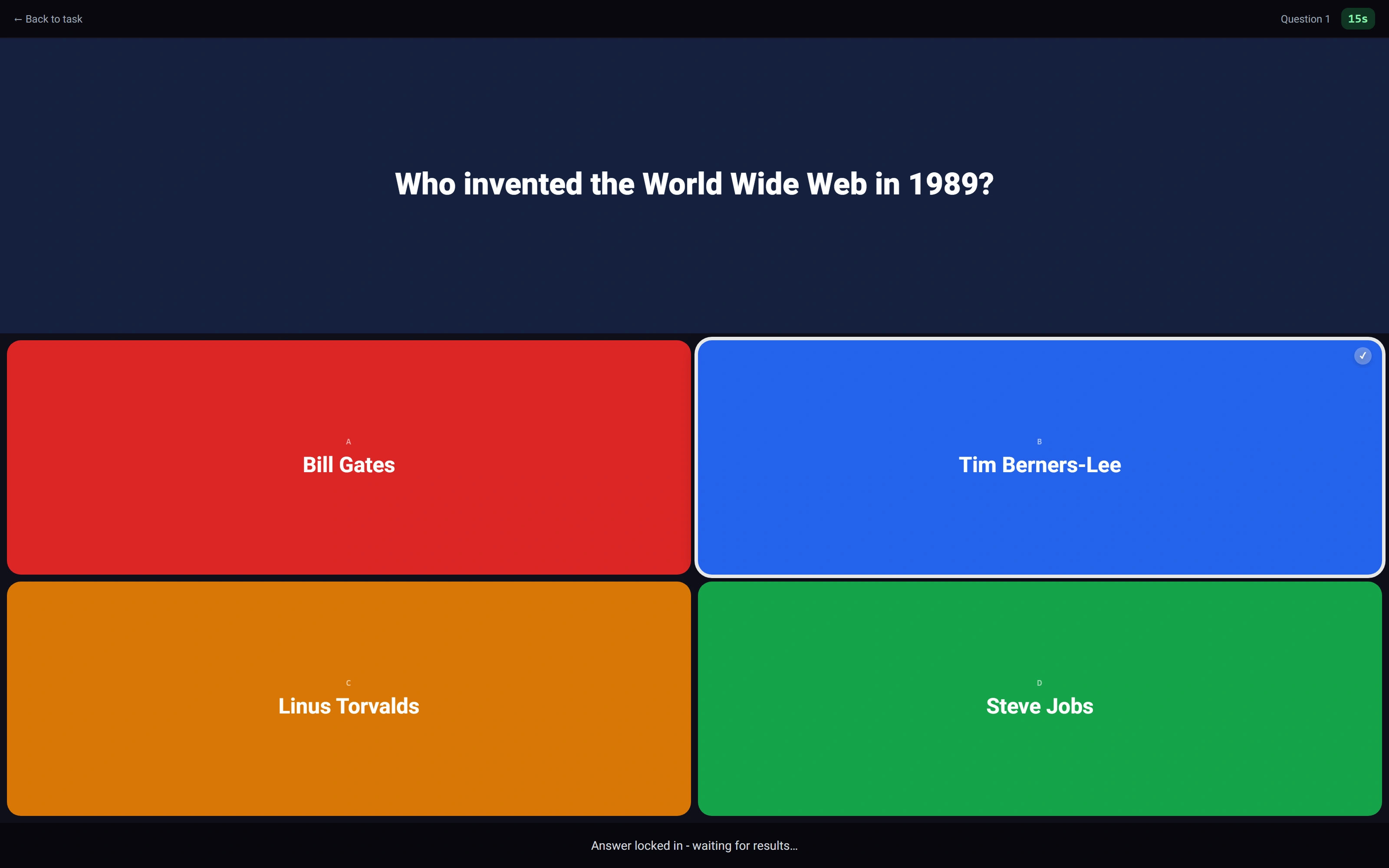
A student commits an answer
The choice is locked while the real shared question remains active.
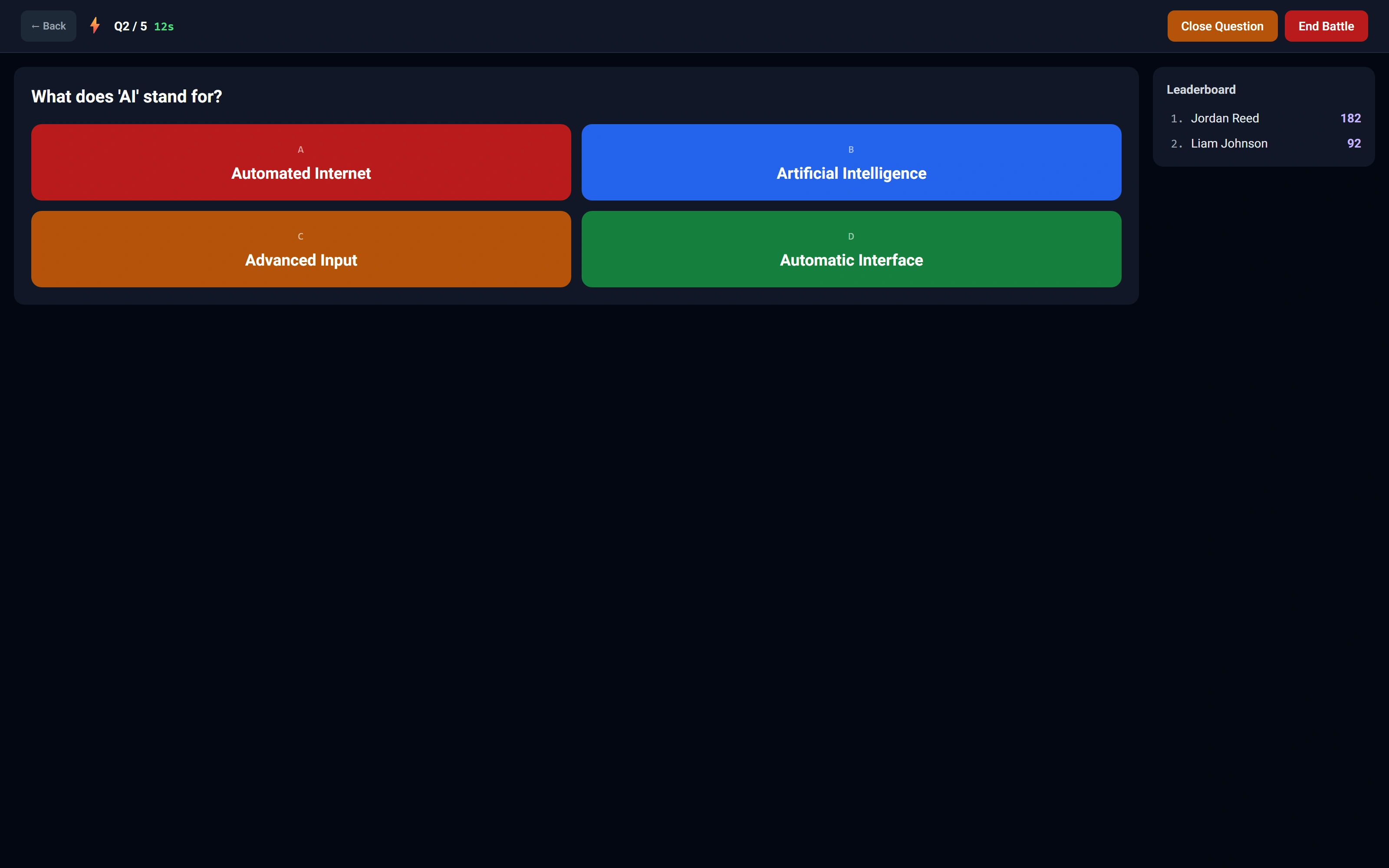
The instructor sees the shared session
Question controls and a two-participant leaderboard remain in the classroom view.
Watch this workflow in Arc
One classroom. Two views.
Follow a real quiz session from the student answer to the instructor controls and classroom scores.
Read the walkthrough
- Answer as a student
The student chooses an answer. Arc locks the response while the round is active.
- Read the classroom
The instructor board receives the submitted answer and updates its leaderboard.
- Advance the round
The instructor uses the native close and next-question controls.
- Continue together
The student screen advances through Arc’s built-in polling fallback; both test students answer the second question.
- Close the session
The native end-session confirmation is accepted and the ended state is shown.
Source references & review notes
app/Platform/Domain/Task/Handlers/QuizBattleTaskHandler.phpresources/views/components/task-types/editors/quiz-battle.blade.phpresources/js/student-quiz-battle/answers.js
Source reviewed at development revision 5549bf96. Original captures have their own pinned revisions; the live platform has a separate release.