Teach, notice, respond
Feedback stays beside the work.
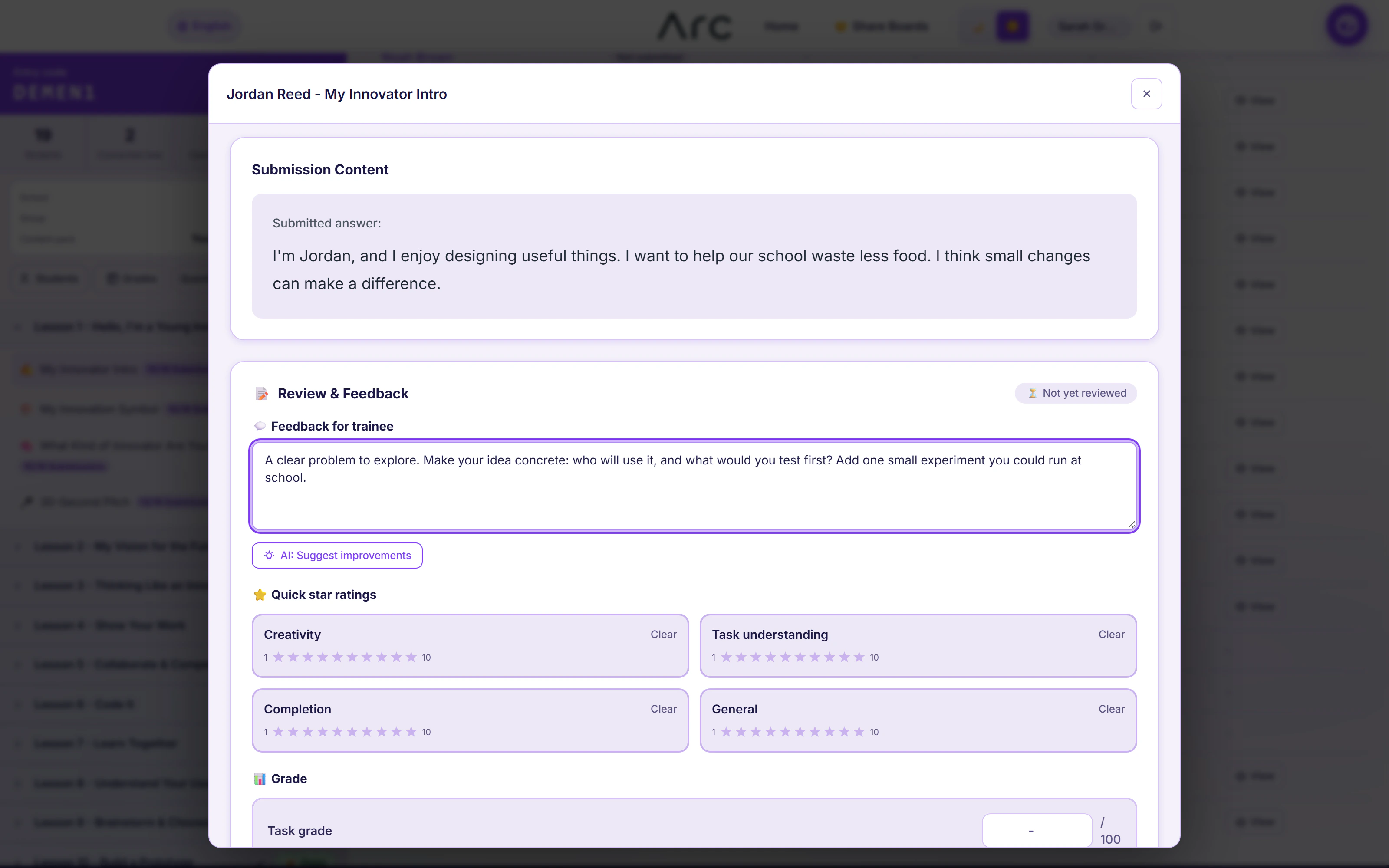
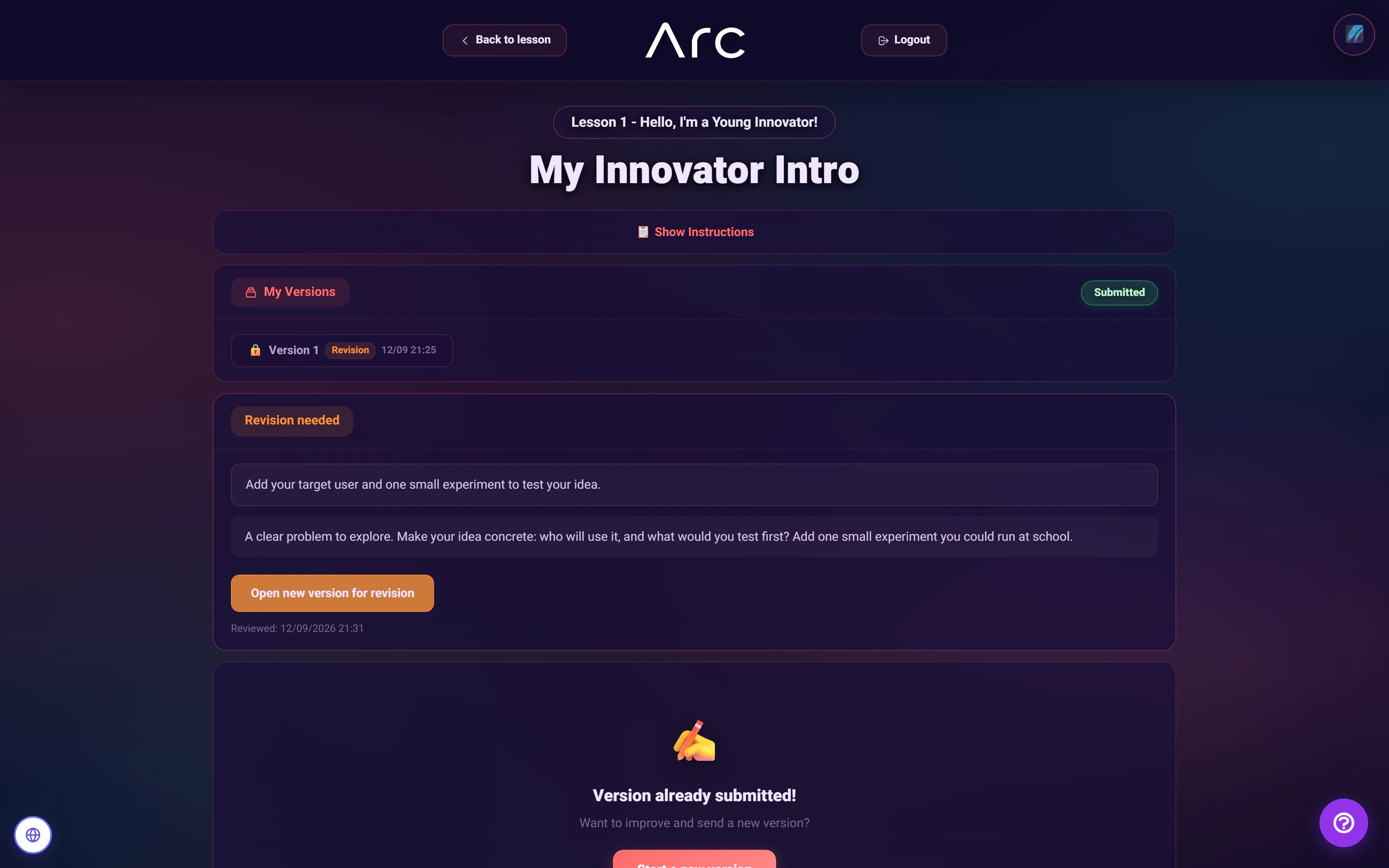
Inspect Jordan’s two versions, the requested change and a sample rubric. This read-only example does not submit a grade or publish feedback.
Original work-shaped sample
study_planner.py
def study_plan(minutes):
    if minutes <= 0:
        return "Start with a small goal."

    sessions = []
    while minutes > 0:
        block = min(minutes, 25)
        sessions.append(block)
        minutes -= block

    return sessions

print(study_plan(60))I use the smaller of the remaining time and 25 minutes. I also return a helpful message when there is no time to plan.
Earlier published review · version 1
A specific next step
Revision requestedYour loop is easy to follow. For 60 minutes, check the total time in the returned list. Can the last block use only the minutes left?
Keep every block within the remaining time. Test 0, -5 and 60 minutes, then explain your choices.
Version 2 has not been reviewed in this example. The published note above belongs to version 1.
How optional AI assistance fits this workflow
The source includes a feedback-refinement endpoint that accepts an instructor’s draft, the task title and type, and a language. It returns a suggestion; the instructor remains responsible for the review. No model call or generated assessment runs in this explorer.
What this part of Arc does
- Draft versus published feedback
- Revision requests
- Rubric criteria and subcriteria
- Optional 1-10 star criteria
- Empty-work grading guard
- Optional AI feedback refinement
This is a browsable portfolio interpretation of Arc’s workflows with fictional examples. Navigation, filtering and theme previews work here; editing, execution and platform services belong to the original application.
Inside the original application.
Real Arc screens and recordings, captured locally with fictional people and work.
Source references & review notes
app/Platform/Portals/Instructor/Controllers/InstructorReviewController.phpapp/Platform/Portals/Instructor/Services/InstructorReviewService.phpapp/Platform/Portals/Instructor/Controllers/InstructorAiFeedbackController.php
Source reviewed at development revision 5549bf96. Original captures have their own pinned revisions; the live platform has a separate release.