Teach, notice, respond
Give the next useful response.
The review queue starts from the latest submitted work. Draft-only work remains a different state.
Latest submitted work
A helpful study planner
Open revision reviewA helpful study planner
Awaiting published feedbackDraft feedback is still a draft.
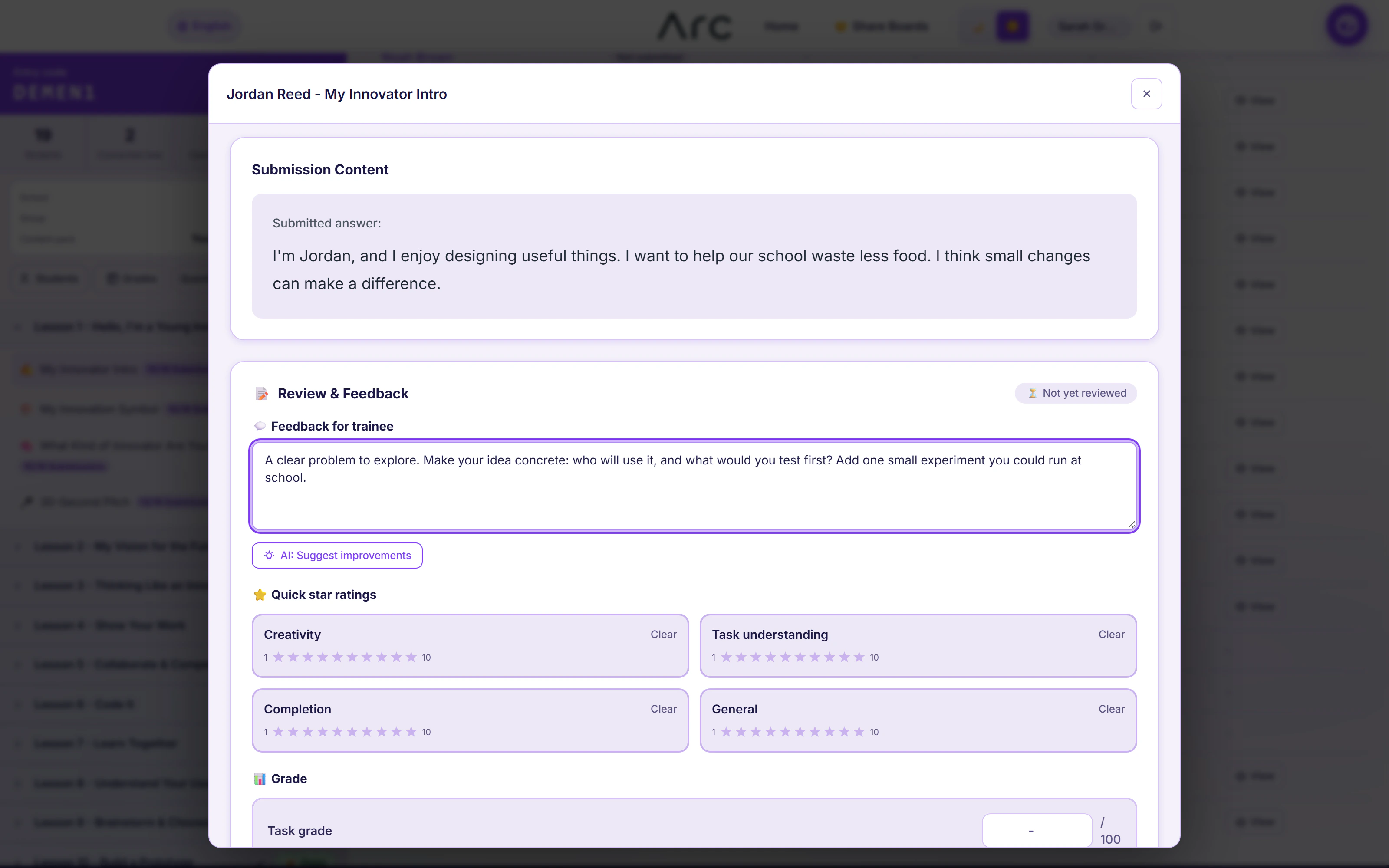
A saved review can remain unpublished. Publishing feedback is an explicit step, and a revision request records why the learner should return.
Empty work needs a different response.
The product allows feedback or a revision request for empty work, while preventing a numeric or rubric grade from being applied to it.
What this part of Arc does
- Pending published reviews
- Submission filters
- Version selection
- Task-specific work viewers
- Scoped CSV export in the product
This is a browsable portfolio interpretation of Arc’s workflows with fictional examples. Navigation, filtering and theme previews work here; editing, execution and platform services belong to the original application.
Inside the original application.
Real Arc screens and recordings, captured locally with fictional people and work.
Source references & review notes
app/Platform/Portals/Instructor/Controllers/InstructorSubmissionController.phpapp/Platform/Portals/Instructor/Services/InstructorClassroomPanelService.php
Source reviewed at development revision 5549bf96. Original captures have their own pinned revisions; the live platform has a separate release.