Run the learning platform
A useful report starts with the right scope.
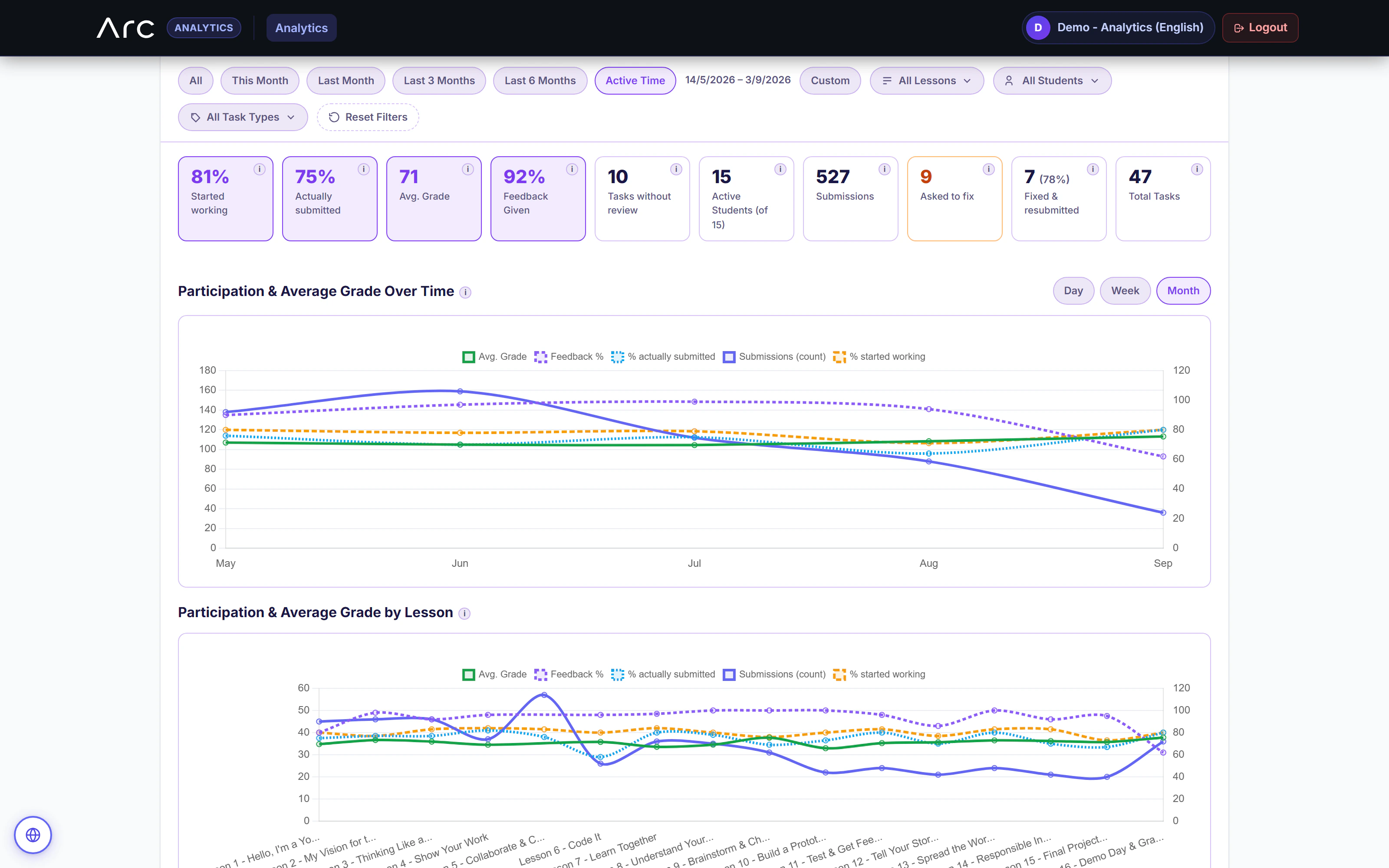
The separate analytics portal gives permitted staff Overview, Grading and Progress tabs.
- Classrooms selected
- 3
- Learners
- 66
- Submitted this activity
- 47
Classroom statistics
| Classroom | Instructor | Learners | Submitted | Reviewed |
|---|---|---|---|---|
| Python Lab ↗Northstar School | Maya Reed | 24 | 18 | 14 |
| Web Studio ↗Northstar School | Eli Stone | 22 | 16 | 12 |
| Idea Lab ↗Cedar School | Sam Park | 20 | 13 | 11 |
Statistics and questionnaires
The current Overview loads classroom statistics and questionnaire panels. Its class picker supports a single class or an aggregate view.
Take the selected view with you
- Statistics
- Excel workbook
- Questionnaires
- Excel workbook
- Both
- Two workbooks in a ZIP
Exports are implemented in Arc; this example does not download or access classroom records.
What this part of Arc does
- Program and classroom picker with single-class and aggregate views
- Statistics and Questionnaire panels reuse the instructor reporting surface
- Excel statistics/questionnaire exports and a combined ZIP
- Scope and tab permissions remain distinct from admin access
This is a browsable portfolio interpretation of Arc’s workflows with fictional examples. Navigation, filtering and theme previews work here; editing, execution and platform services belong to the original application.
Inside the original application.
Real Arc screens and recordings, captured locally with fictional people and work.
Source references & review notes
routes/platform/system-portals.phpapp/Platform/Portals/Analytics/Services/AnalyticsV3OverviewPage.phpapp/Platform/Portals/Analytics/Controllers/AnalyticsExportController.php
Source reviewed at development revision 5549bf96. Original captures have their own pinned revisions; the live platform has a separate release.